01
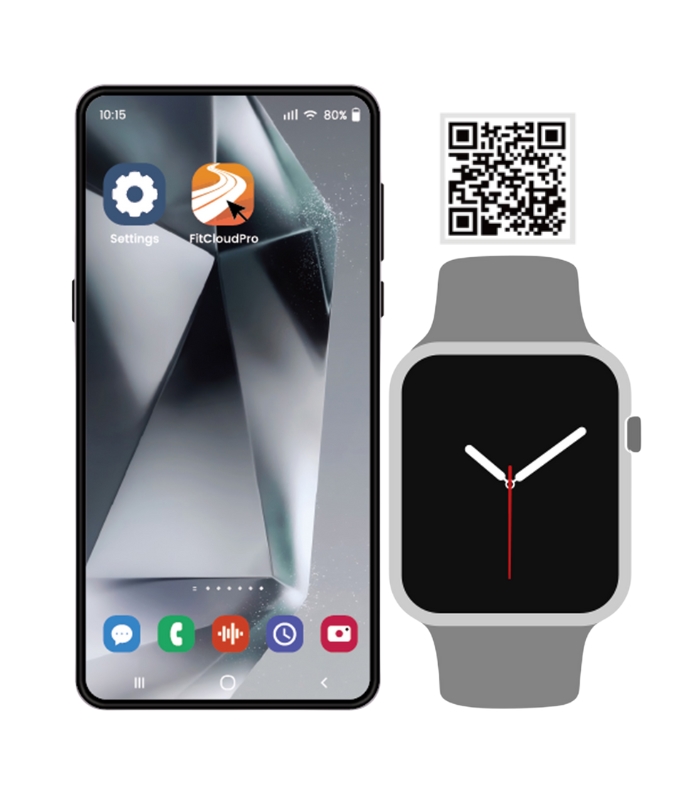
Search for "FitCloudPro"in the App Store on your phone,or scan the QR code to download it
02
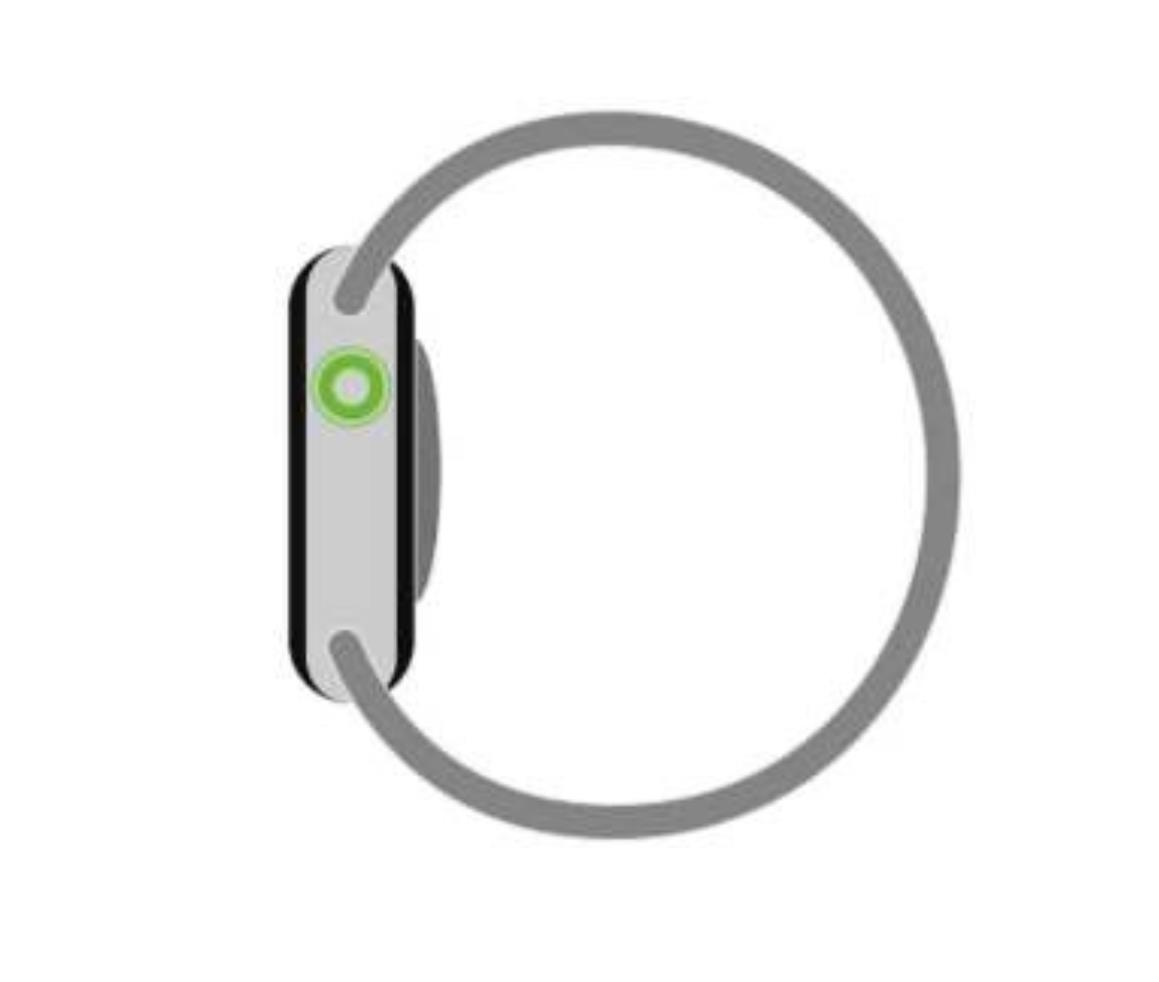
Press and hold the side button to turn on the watch
03
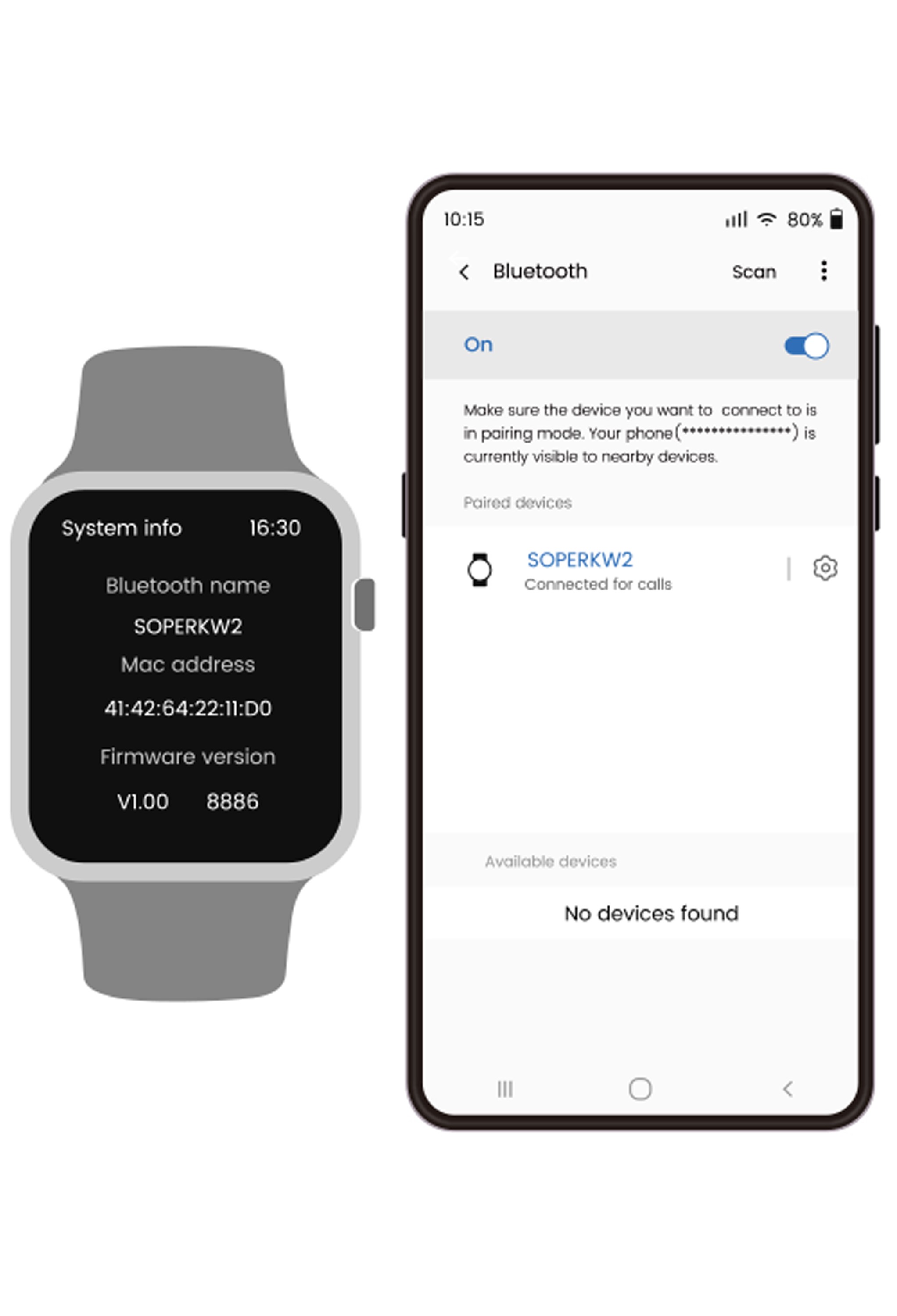
Open Settings on your phone,go to Bluetooth,then search for and click "SOPERKW2"
04
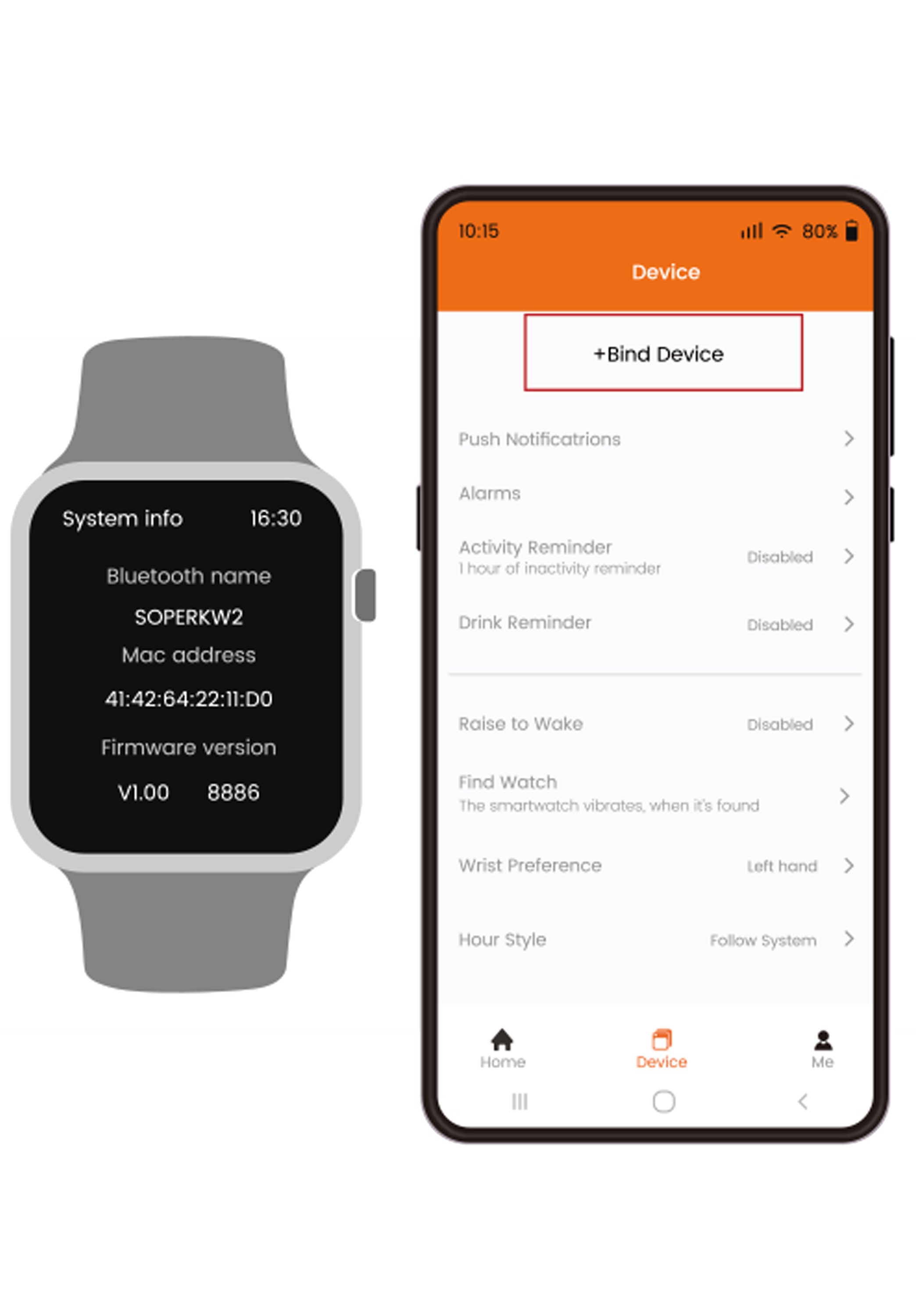
Open FitCloudPro,Click "Device",then click "Bind Device"
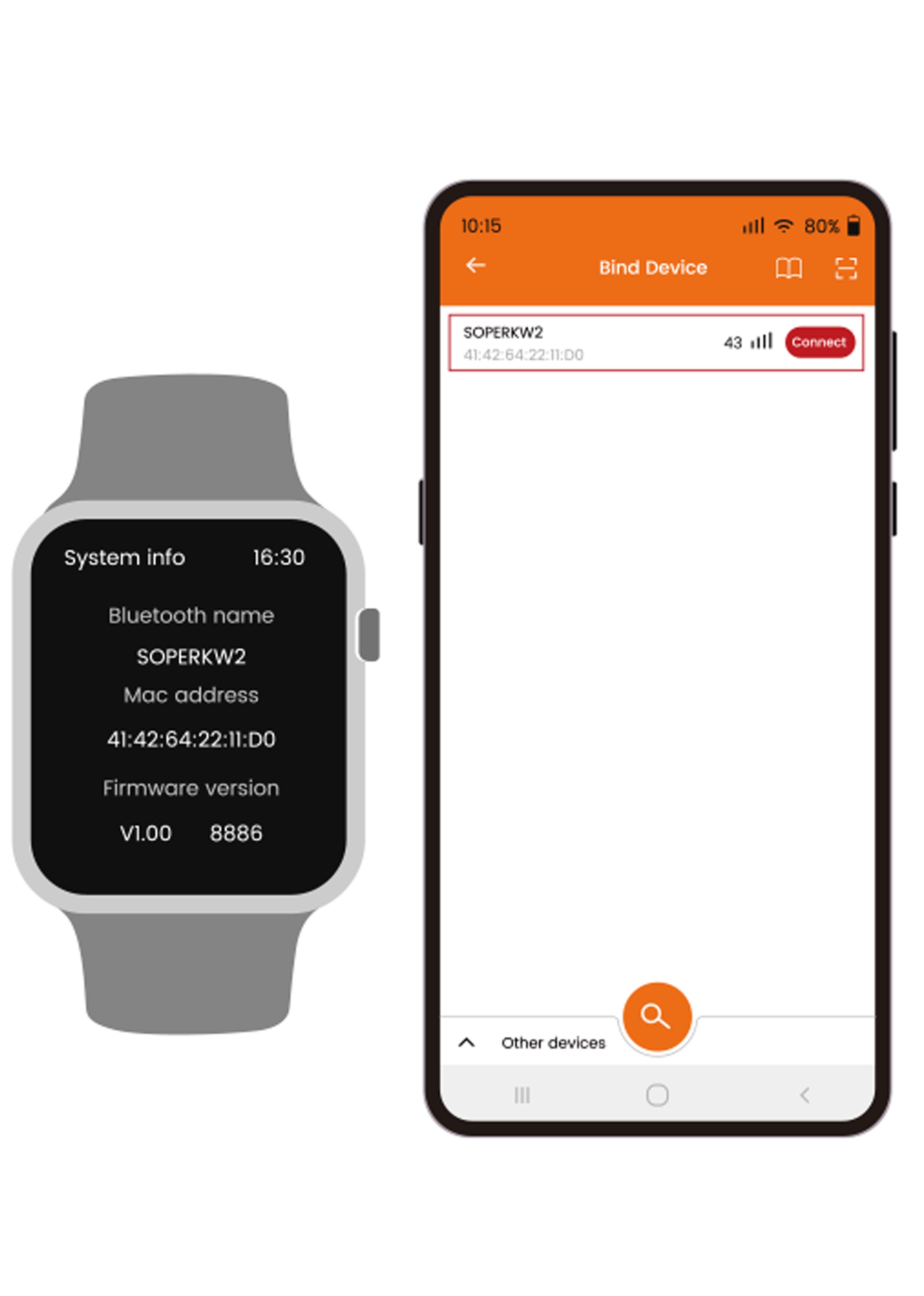
05
Search for and click "SOPERKW2"
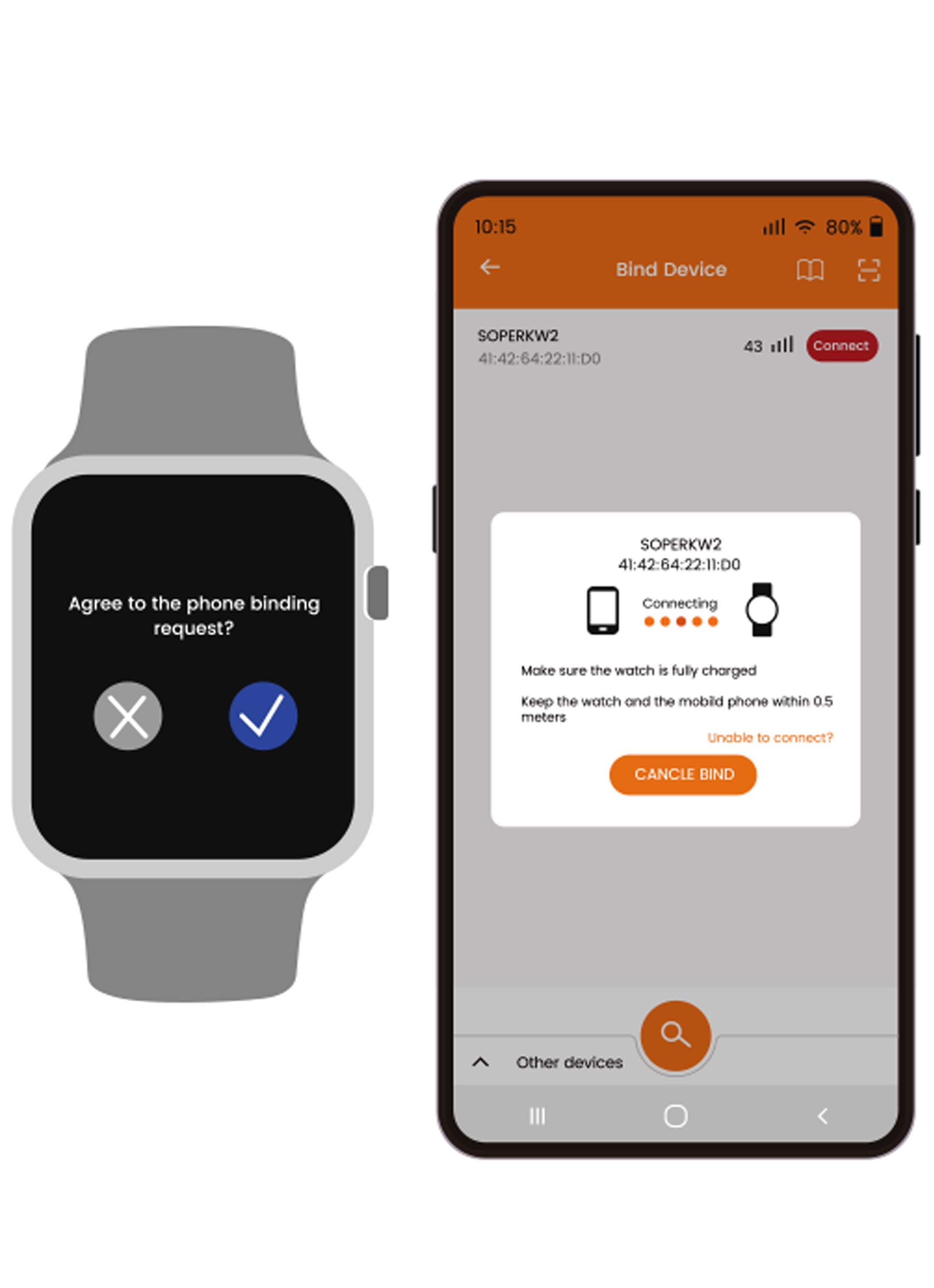
06
A pop-up window will appear on the watch.Click"√"
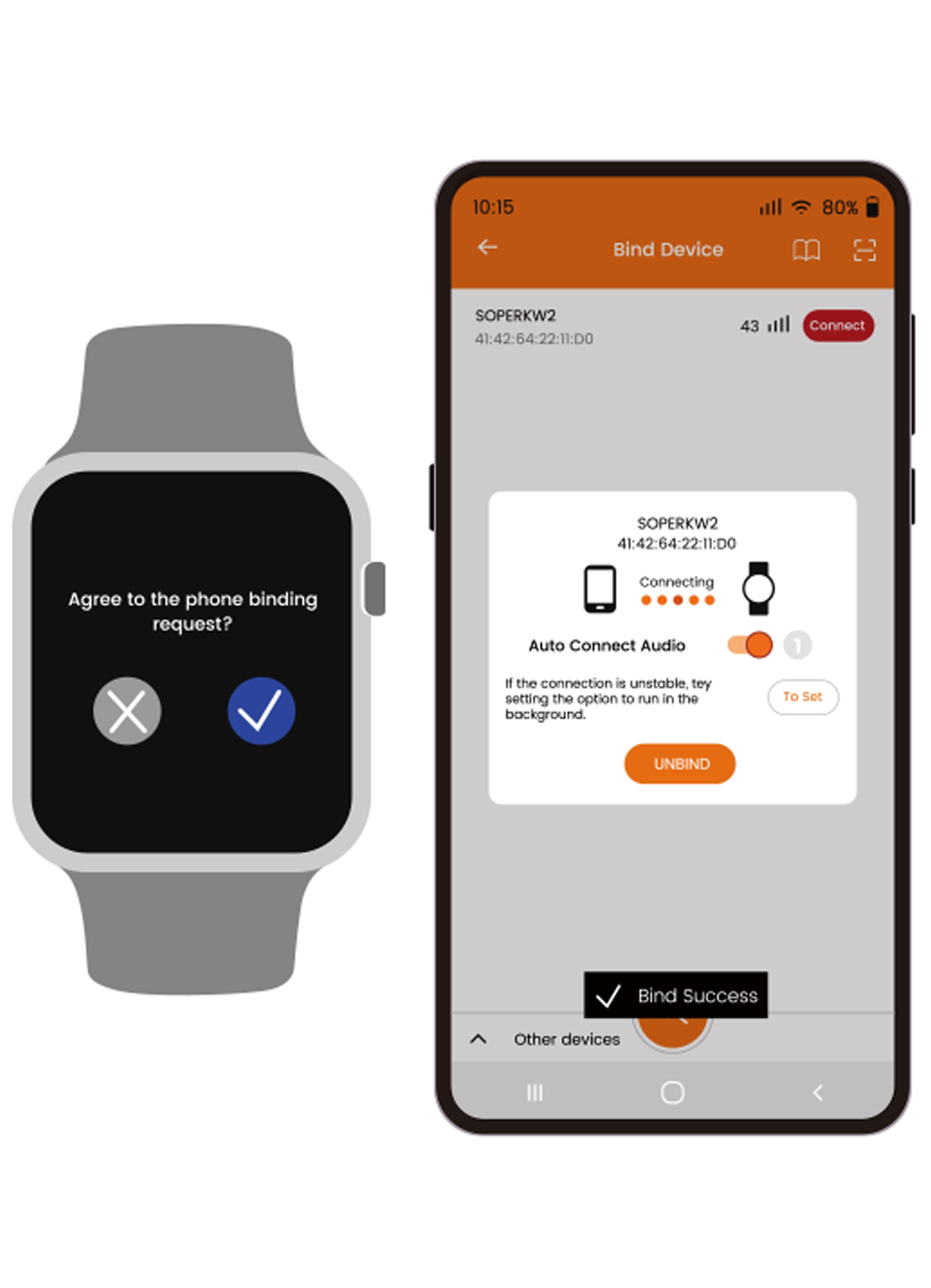
07
A pop-up message will appear on the phone.Once successfully connected,the watch's language will automatically sync with the phone's language
*The watch cannot function properly without connecting to the app.You must first install the app for proper use,including language and time synchronization.